Free WooCommerce PDF invoice plugin
Create PDF invoices from your WooCommerce orders.
Issue numbered invoices, credit notes and correction notes. Add your business details, logo and colours, and include the text your business needs.
Advanced Invoices for WooCommerce
Free includes 1,000 lifetime invoices per store. Existing documents remain available when you reach the limit.
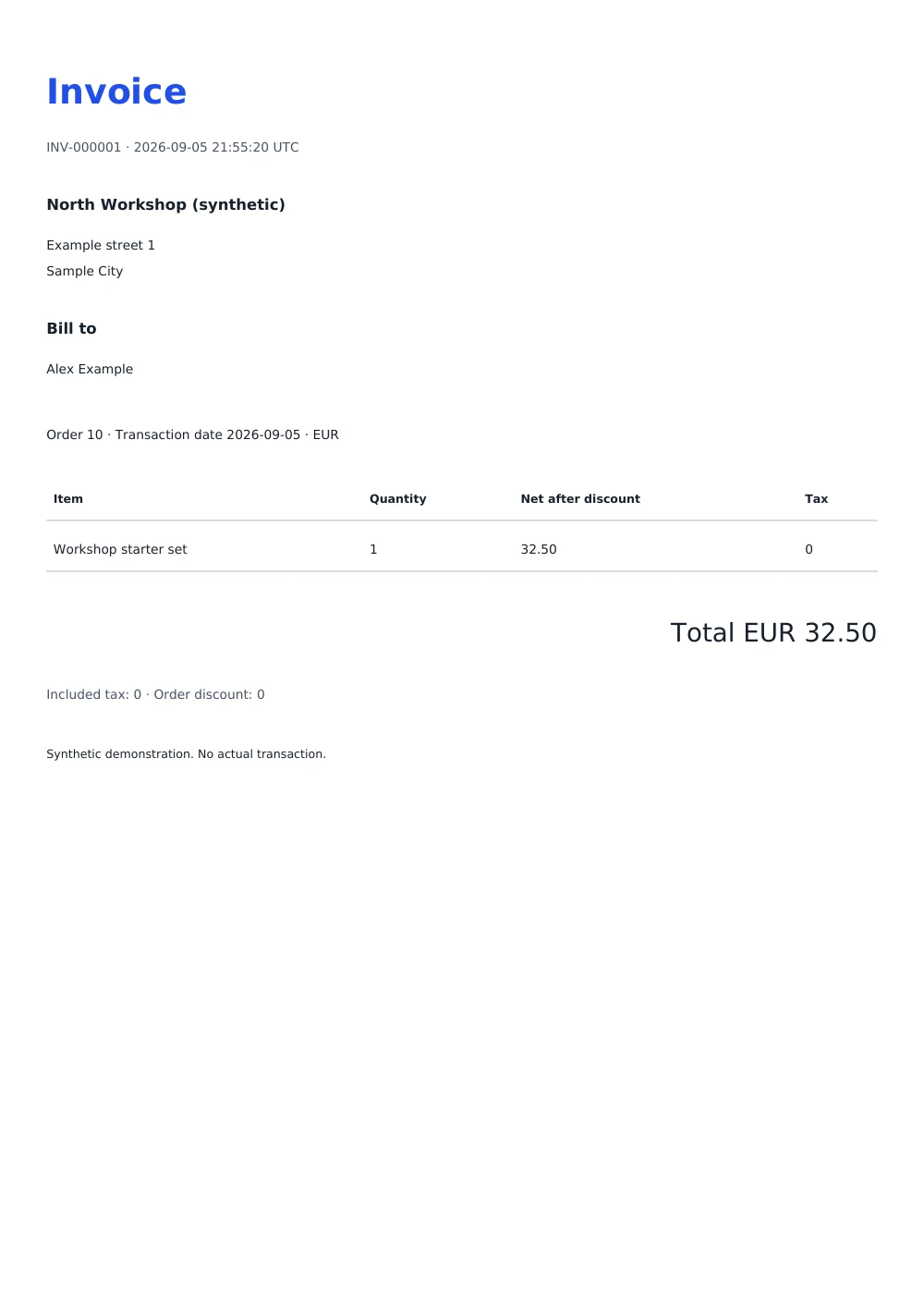
Inspect the full-size example invoice (opens in a new tab)
An invoice stays an invoice.
Keep the document you issued. Later order edits and template changes do not rewrite its business details, line items or totals.
Use the next number once. Repeating an issue action opens the same invoice. It does not use another number or allowance.
Keep access at the limit. Download PDFs, export individual records, and create linked credits or correction notes after 1,000 invoices.
From an order to a PDF.
- Open the GitHub release. Download advanced-invoices-for-woocommerce-0.1.0.zip. The source archives are not the installer.
- In WordPress, open Plugins → Add New Plugin → Upload Plugin. Upload the ZIP, install it, then activate it.
- Open WooCommerce → Invoices. Save your business details and template settings.
- Enter a saved order ID. Select Preview order to review the document without using an invoice number.
- Select Issue invoice when ready. Download the PDF and keep a backup of your store.
What Free includes
- One configurable template with a local logo, heading, colour, business details and additional text.
- A4 or Letter output, sequential invoice numbers, manual PDF downloads and individual JSON exports.
- Credit notes from itemized WooCommerce refunds and linked non-financial correction notes.
- Protected access for administrators and shop managers. No public invoice URLs or plugin telemetry.
Know the boundaries
You approve the invoice wording and its suitability for your business. The plugin does not calculate tax, certify compliance, submit government e-invoices or send invoices automatically.
Invoice numbers use INV-, CR- and COR- series. Financial changes require an itemized refund and a credit note. A correction note leaves the original totals unchanged.
Deactivation keeps your documents. Back up the database before an upgrade or move. An older backup can miss issued numbers; reconcile those records before issuing again. Activate separately on each Multisite store.
Required: WordPress 7.0+, WooCommerce 11.1+, PHP 8.3+ with GD, DOM and mbstring, and transactional InnoDB storage. Maximum 200 order lines per invoice. Check the release notes for tested versions.
More invoices.
More control.
Pro is planned with unlimited invoices, multiple templates, conditional text and advanced numbering rules.
Join the launch waitlist. We will email you when Advanced Invoices Pro becomes available. Pricing and service terms will be announced at launch.
Questions about Advanced Invoices
How many invoices does Free include?
Free includes 1,000 lifetime invoices for each store. When you reach the limit, you can still download PDFs, export individual records, and create linked credit and correction notes.
Can I change an invoice after I issue it?
An issued invoice keeps its business details, line items and totals. For a financial change, make an itemized WooCommerce refund to create a credit note. For other changes, add a linked correction note.
Does the plugin calculate tax or send invoices by email?
No. WooCommerce calculates the order totals, and you download and send the PDF. You approve the invoice wording and its suitability for your business.
Who can see the invoices?
Administrators and shop managers. Invoices have no public URLs, and the plugin collects no usage data.
What does my store need?
WordPress 7.0 or newer, WooCommerce 11.1 or newer, and PHP 8.3 or newer with the GD, DOM and mbstring extensions. Check the release notes for tested versions.
Source, releases and help.
Use invented data in issue reports. Never attach customer invoices, database exports or credentials. Support has no guaranteed response time.